
What’s New in Fearless Wallet: November 2026
Mon, Nov 23, 2026 · Updated Thu, Nov 26, 2026
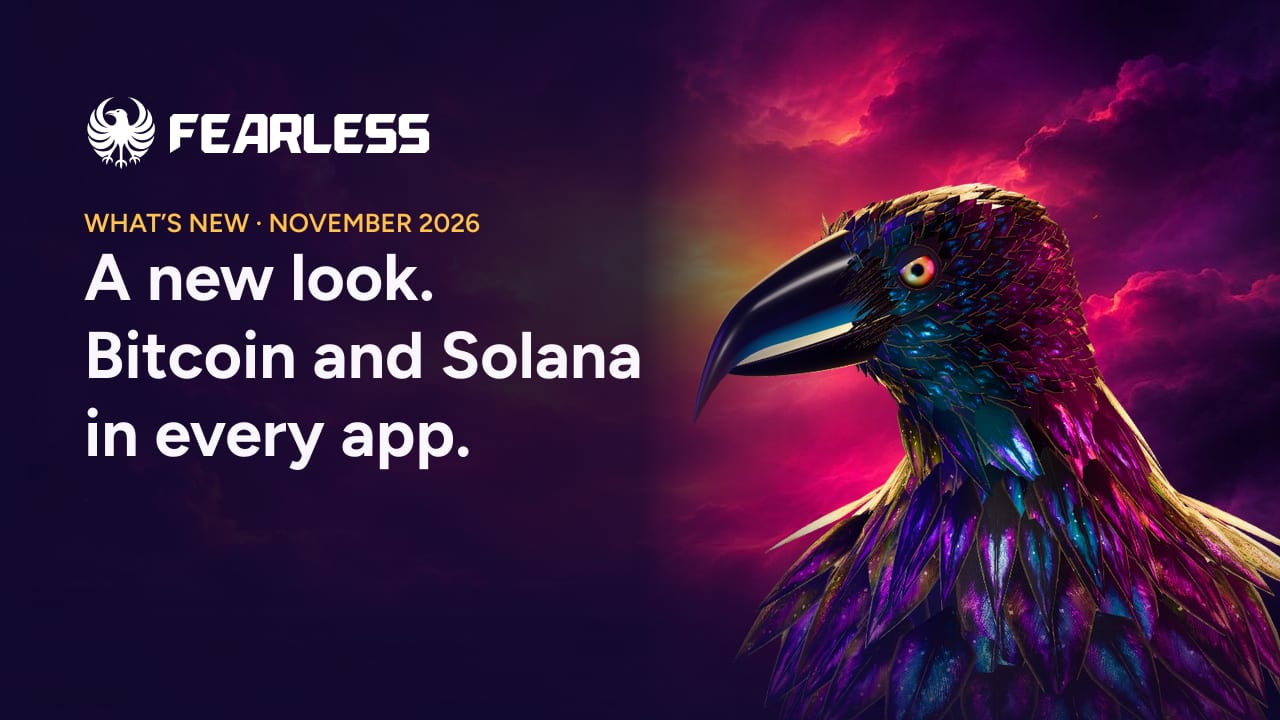
Over the past few weeks, all three Fearless Wallet apps received major updates. Here is what you get with iOS 4.2.4, Android 4.3.9 and Chrome extension 4.2.10.
A new look: the Yatagarasu
Fearless has a new emblem: the Yatagarasu, the three-legged crow of Japanese legend, known as a guide. It replaces the winged emblem on the app icon, the welcome and unlock screens, and this website.
The apps have been redesigned around it:
- A short animated launch opens straight onto your wallet.
- The wallet home shows your balance over a sunset sky.
- A dial shows when balances are syncing. A seal closes when the network accepts your transfer.
- The wallet can play a sound when you send tokens or a deposit appears on screen. On mobile, you can also turn vibration on or off in Settings.
Bitcoin and Solana in every app
Bitcoin and Solana now sit next to Polkadot, Ethereum, TON and SORA in the iOS app, the Android app and the Chrome extension.
- Bitcoin: your address, balance and history, and sending BTC.
- Solana: view token balances and send SOL and standard SPL tokens. The Chrome extension also connects to Solana apps.
The Chrome extension adds two more things:
- TON: restore a Fearless TON wallet from its phrase to find the address it used before. TON token transfers now use the correct number of decimal places for each token.
- SORA Nexus Taira testnet: see your balance and history, and send testnet XOR. Transfers on SORA Nexus mainnet are not enabled yet.
One searchable asset list
The wallet home now has one searchable list of your assets, with network filters, instead of separate token and network views. It is in all three apps.
In the Chrome extension:
- Known tokens you hold appear automatically. In Manage assets, you can review detected tokens and choose which ones to show.
- From the wallet home, choose Receive and select the network to see your address.
- A token without a reliable price shows “Price unavailable” instead of $0.00.
- The wallet can open in Chrome’s side panel.
On a wide iPad window, your balance and asset list can appear side by side.
Staking on Asset Hub
Polkadot and Kusama staking has moved to Asset Hub. On iOS and Android, stake DOT on Polkadot Asset Hub and KSM on Kusama Asset Hub. You can bond, nominate validators, unbond, rebond, withdraw unlocked funds and claim available payouts. On Android, you can also join a nomination pool.
On iOS, stake held under a separate relay-chain key and rewards from past validators may be missing from the display.
Faster, steadier balances
- Balances appear sooner. The Chrome extension shows saved balances at once and updates the wallet you are looking at first. On iOS, each network’s balances appear as soon as that network has been read.
- On supported networks, iOS and Chrome can try another node if one stops responding. On Android, turn on Auto select to use this on Substrate networks.
- The Chrome extension uses much less CPU and network while you are not using it, and downloads less when it starts.
- On iOS, Bitcoin balances refresh sooner when the first data service is slow.
- Android fixes crashes when opening transaction history or switching nodes from Chain accounts.
- Android 4.3.8 fixes crashes when sending to an EVM address, on the home screen of an EVM-only wallet, and in TON Connect and NFTs. Android 4.3.9 can be installed from Google Play on more devices.
Connecting to apps
WalletConnect now runs on Fearless’s own open-source client in all three apps.
A locked wallet signs nothing. On Android, an app’s request waits until you unlock. On iOS, every WalletConnect signature asks for your PIN or biometrics. In the Chrome extension, each site sees only the accounts you allow it to.
Your keys, better protected
- iOS: repeated wrong PINs make you wait longer. The wallet locks after 20 minutes without a touch, or when you return after five minutes away. Sending funds requires your PIN or biometrics, and screen recordings hide wallet secrets. Warnings for flagged addresses are clearer in every supported language and now also appear when you send an NFT.
- Android: your PIN is part of the encryption of your phrases and keys, and biometric unlock is tied to it. The app tries to clear copied phrases and keys after a minute. New Google Drive backups need a strong password, and the next time you back up to Google Drive, you will be asked to sign in again in your browser.
- Chrome: the extension asks for your wallet password each time you export a phrase or key, and new passwords must be stronger. It tries to clear copied secrets after a minute, and tries again when you reopen the wallet if needed.
If your wallet uses a password to create its Bitcoin, Solana, TON or Taira addresses, you need both the recovery phrase and that password to restore them.
We also replaced several third-party libraries that handled sensitive wallet data with open-source code maintained by Fearless.
Retired
The mobile apps retired crowdloan contributions, parachain staking and inactive networks. Accounts for a retired network stay on your device and can still be exported. If you contributed to a past crowdloan, see the FAQ.
What’s next
We’re working on TON Connect for Chrome and on connections to SORA Nexus apps, starting with Taira. We’re also working on finding more ERC-20 tokens in the Chrome extension. SORA Nexus mainnet transfers are a longer-term goal and depend on testing on the production network. The roadmap has the details.
Update now
- iOS: App Store
- Android: Google Play
- Chrome: Chrome Web Store. Chrome updates the extension for you.
Stay fearless.